FRONTSHIFT
A downloadable game for Windows
Plan the turn. Command the clash.
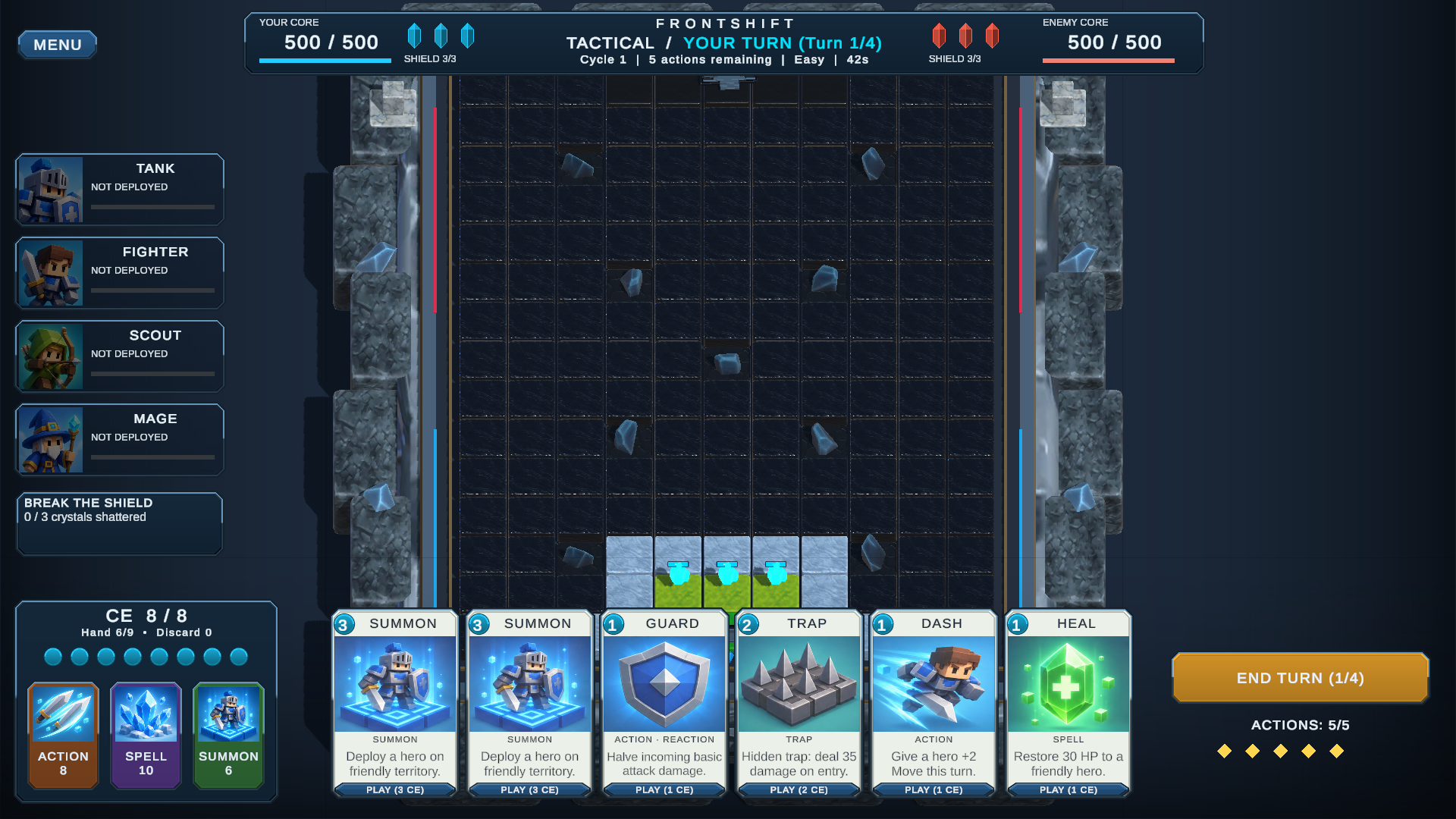
A battlefield that changes pace. Build your position during tactical turns, then command your heroes through a simultaneous real-time clash. Use cards, claim connected territory, and push through the fog toward your opponent’s core.
Two speeds. One battle.
Every tactical turn is a chance to prepare: deploy a hero, choose your route, protect a vulnerable unit, or set a trap. When the clash begins, both sides act in real time. The position you built becomes the battle you have to command.
Command your front line
- Four hero classes: Tank, Fighter, Scout, and Mage.
- Tactical cards: summon reinforcements, guard allies, lay traps, dash forward, and heal damaged heroes.
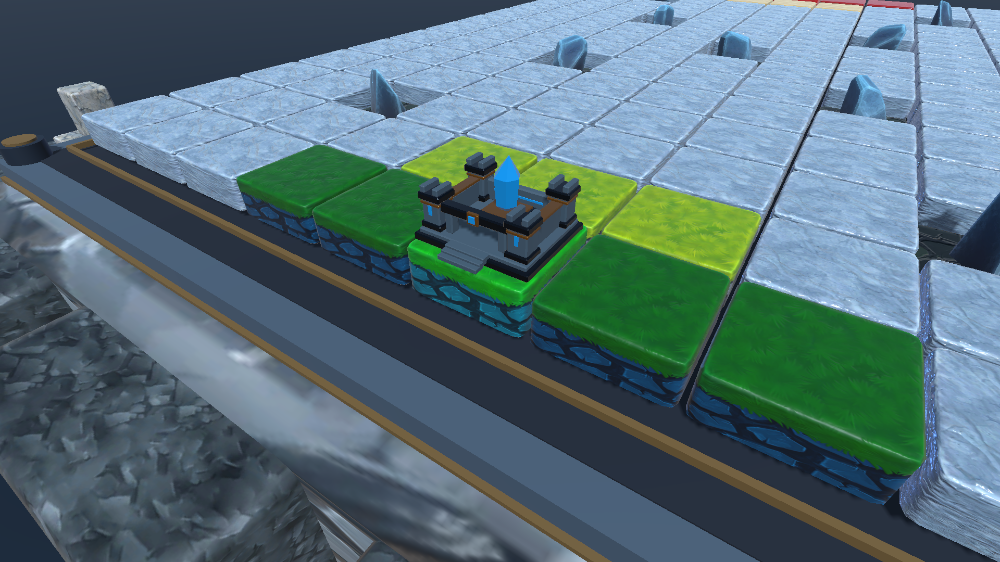
- Territory and fog of war: keep your advance connected and uncover the battlefield as you move.
- Base assault: shatter the enemy's three defense crystals to collapse its shield, then destroy the core.
- Play against AI: choose Easy, Normal, or Hard.
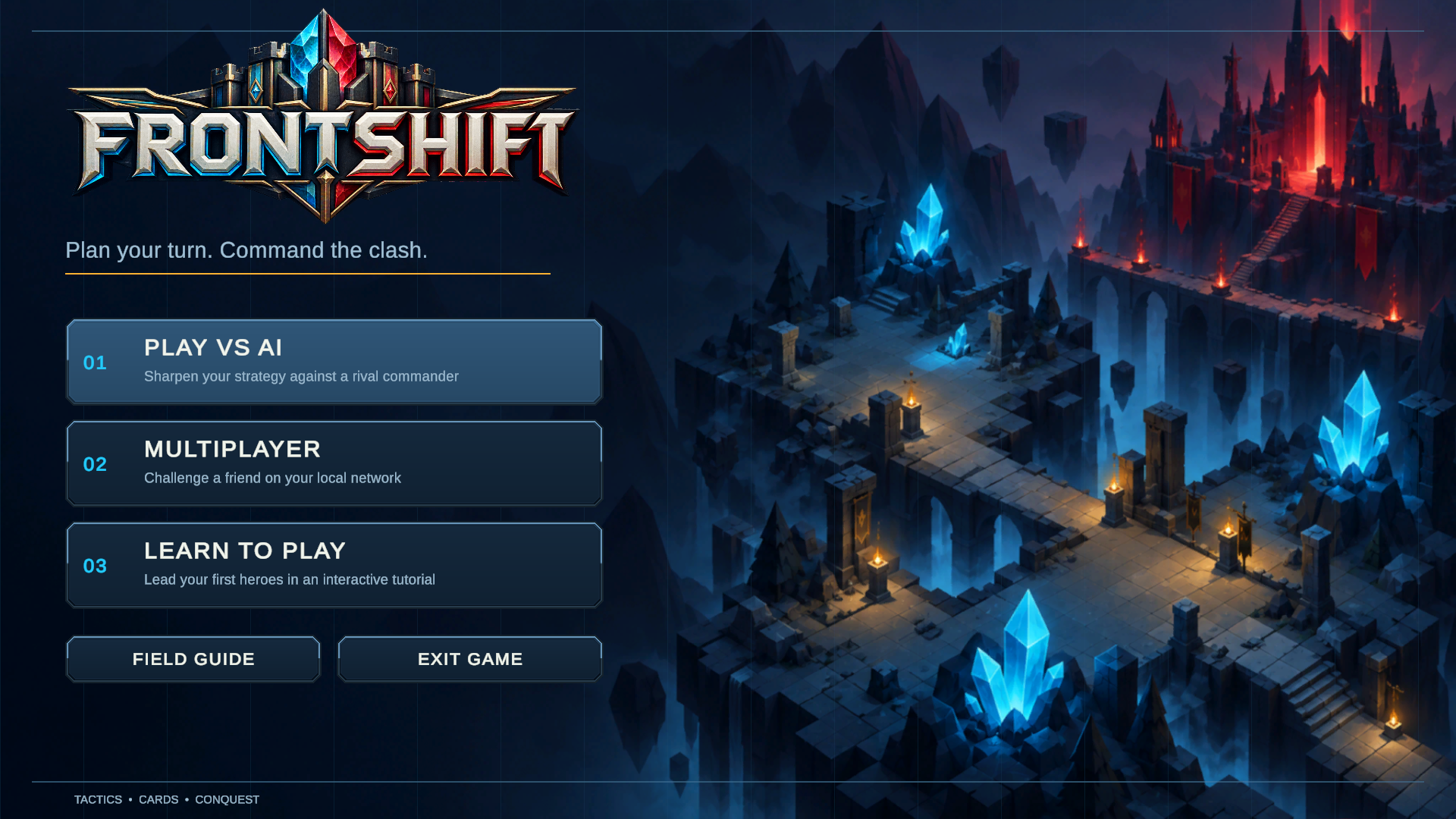
- Learn to play: start with the interactive tutorial and consult the in-game Field Guide.
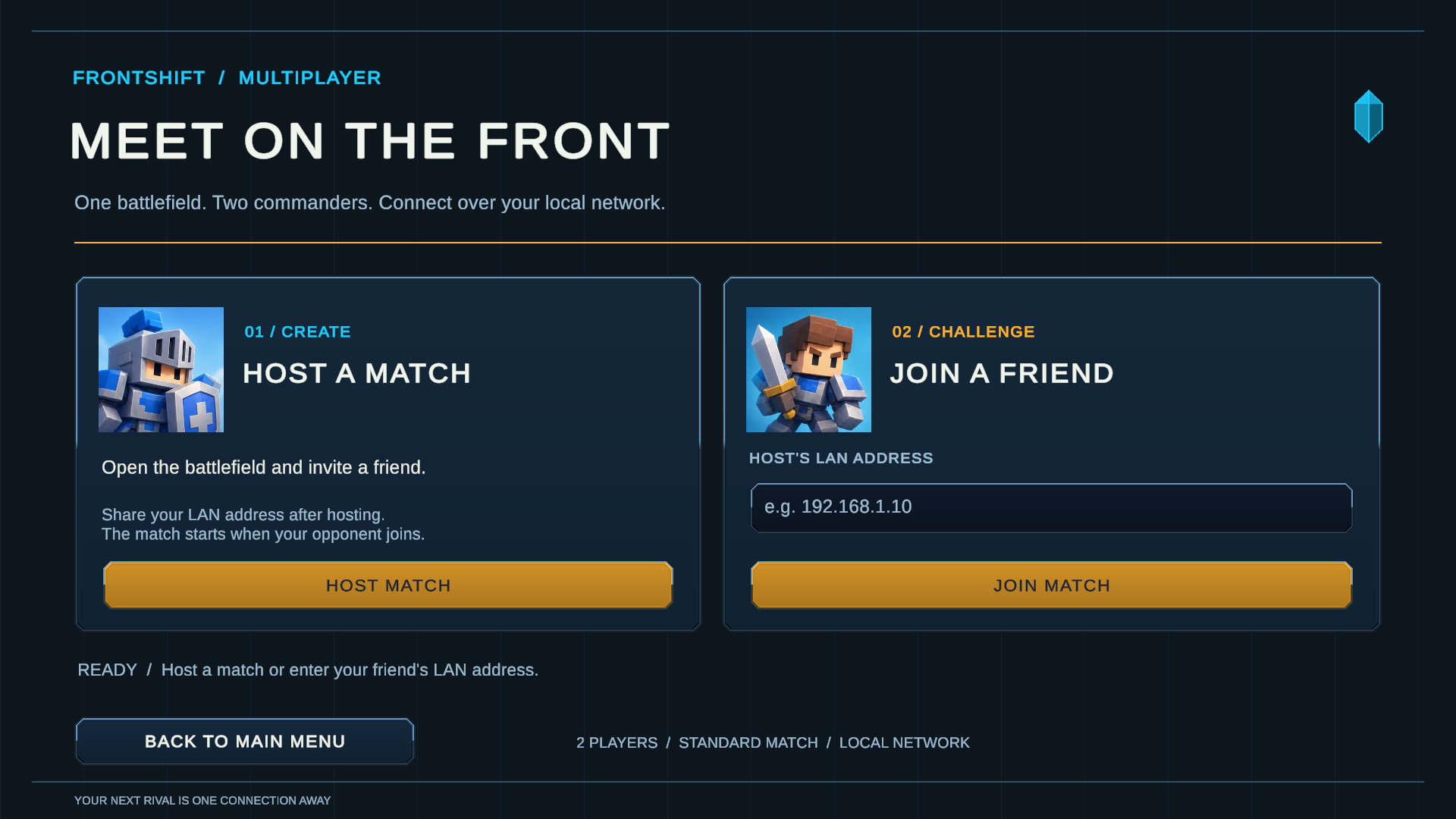
- LAN multiplayer: host or join a two-player match on the same local network.
Start here
Extract the whole archive and run FRONTSHIFT.exe. Keep the executable beside its data folder and bundled runtime files. Choose Learn to Play for your first match, then try Play vs AI.
Controls
| Input | Action |
|---|---|
| Left click | Select heroes, cards, and targets; click highlighted tiles to move |
| Right click / Escape | Cancel selection/order |
| WASD / arrows | Pan camera |
| Mouse wheel | Zoom |
| Space | Recenter camera |
Play with a friend
Both players need this same build and two Windows PCs on the same local network. Open Multiplayer: one player hosts, and the other enters the host's local IPv4 address to join. Allow private-network firewall access if prompted. Disconnecting ends the match. Internet matchmaking is not included.
Prototype — feedback welcome
FRONTSHIFT is in development. Balance, visuals, and usability may change. LAN is experimental; this release has not yet been validated through a full match on two physical PCs.
Tell us what you enjoyed and where you got stuck. Bug reports should include your game mode, AI difficulty if relevant, what happened, and reproduction steps. Screenshots are welcome.
Download
Install instructions
Extract the entire ZIP into a folder, then run FRONTSHIFT.exe. Keep FRONTSHIFT_Data, MonoBleedingEdge, D3D12, and the bundled DLL files beside the executable. Do not launch from inside the ZIP. No Unity Editor installation is required.
Start with Learn to Play, then try Play vs AI. For LAN, both players need this same build and two Windows PCs on the same local network. One player hosts; the other joins using the host’s local IPv4 address shown in the lobby.
Leave a comment
Log in with itch.io to leave a comment.